


Care and Maintenance of the PlayStation 5 DualSense Controller: Main Problems and Solutions
Learn how to take care of your PlayStation 5 DualSense controller, discover the most common issues such as stick drift, button failures, and battery problems, plus preventive maintenance tips to extend its lifespan.
12/31/20252 min ler
Introduction
The PlayStation 5 DualSense controller revolutionized the gaming experience by introducing adaptive triggers, advanced haptic feedback, and more precise motion sensors. However, like any electronic device, it requires proper care and preventive maintenance to ensure good performance and long-term durability.
In this article, you’ll learn about the main DualSense issues, their causes, and how to prevent them.
Announcement
Main Problems with the DualSense Controller
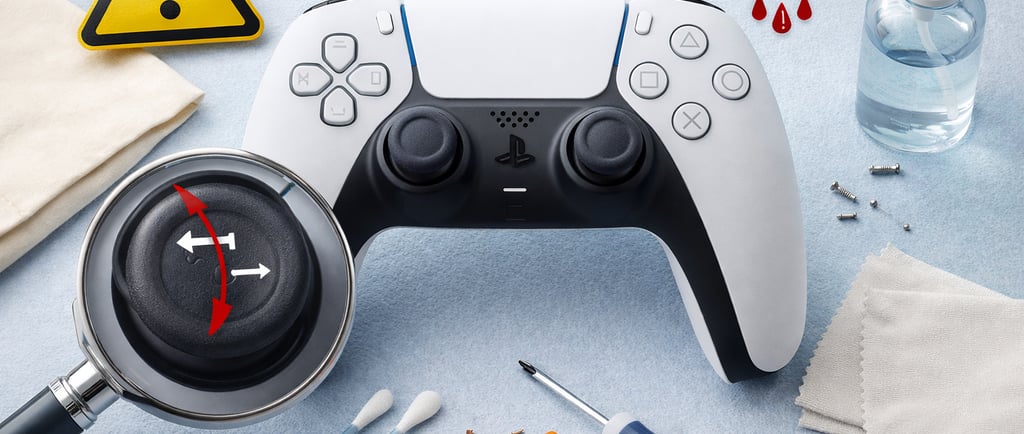
🎯 1. Analog Stick Drift
The well-known drift issue occurs when the character moves on its own, even when the analog stick is not being touched.
Main causes:
Natural wear of the potentiometers
Dust and dirt buildup
Humidity
Excessive use or excessive force on the analog sticks
Prevention:
Avoid pressing the sticks too hard
Store the controller away from dust
Perform regular cleaning
🔘 2. Buttons Not Responding or “Sticking”
Buttons such as X, O, Square, and Triangle may fail due to internal dirt or membrane wear.
Common causes:
Sweat residue
Dust
Drops
Liquid spills
🔋 3. Battery Issues
Over time, the DualSense’s internal battery may lose capacity and offer shorter playtime.
Causes:
Playing constantly while charging
Low-quality charging cables
Excessive charge cycles
Tip: Always use original or certified cables.
🎮 4. Adaptive Trigger Failures (L2 and R2)
Adaptive triggers contain internal motors that may fail if the controller is dropped or exposed to dust or moisture.
Announcement
Essential Care Tips for the DualSense Controller
Wash your hands before playing
Avoid eating while gaming
Do not expose the controller to moisture
Store it in a dry, protected place
Avoid drops and impacts
Do not force buttons or analog sticks
Do not clean the controller with alcohol or other cleaning products, as this may damage the rubber parts.
Preventive Maintenance: When Is It Needed?
Maintenance is recommended when you notice signs such as:
Persistent stick drift
Buttons with inconsistent response
Reduced battery life
Internal noises
⚠️ Important: The controller should only be opened by qualified technicians, as the DualSense contains sensitive components.
Is It Worth Repairing the DualSense?
In most cases, yes. Replacing analog sticks, the battery, or button membranes is usually more cost-effective than buying a new controller—especially considering the market price of the DualSense.
Announcement
Announcement
Conclusion
With simple care and periodic maintenance, the DualSense controller can last for many years while maintaining its precision, comfort, and advanced technology. Prevention is always cheaper than repair—and it ensures a much more satisfying gaming experience.
Browse our website
Desenvolvedor
Buzzo Games
contato@buzzogames.com.br
© 2024. All rights reserved.